Colors
Your colors, or the style's.
Use the colors each style was made with, a full rainbow, or pick four of your own. Fire and Lava blend yours like heat, from dark to bright.
A fluid art app for iPhone, iPad and Android. Touch the screen and glowing ink swirls, curls and fades under your fingertips. Move your cursor — this page runs the real engine from the app.
10 styles
Each one looks and moves differently. Tap one and the whole page changes.
Play with it
These are the same settings as Chroma Flow's home screen. Change one and watch the background.
Use the colors each style was made with, a full rainbow, or pick four of your own. Fire and Lava blend yours like heat, from dark to bright.
Mirror it, make it four-way, or turn the screen into a kaleidoscope.
Every style remembers its own settings in the app.
Let the fluid keep moving on its own, or drop a burst of color.
Tilt your phone and the fluid flows downhill, like liquid in a glass.
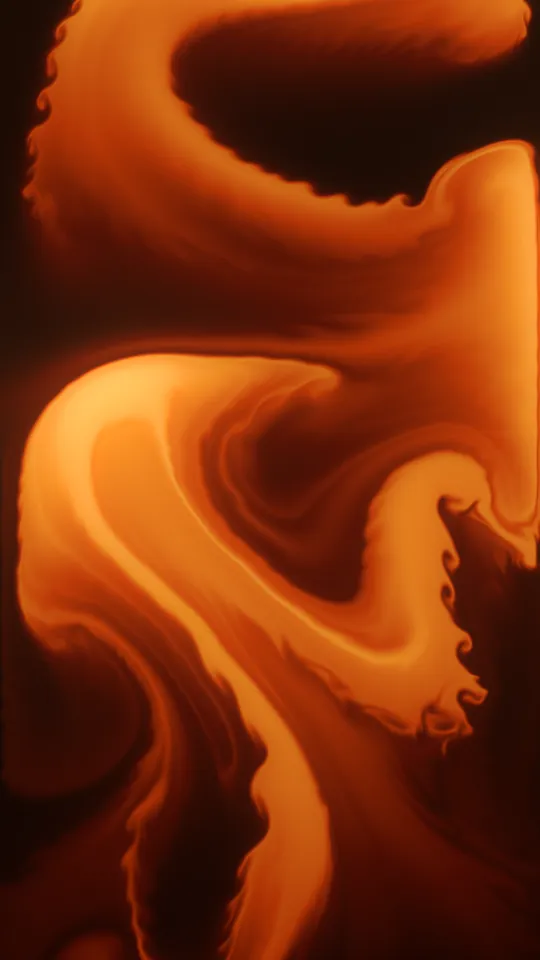
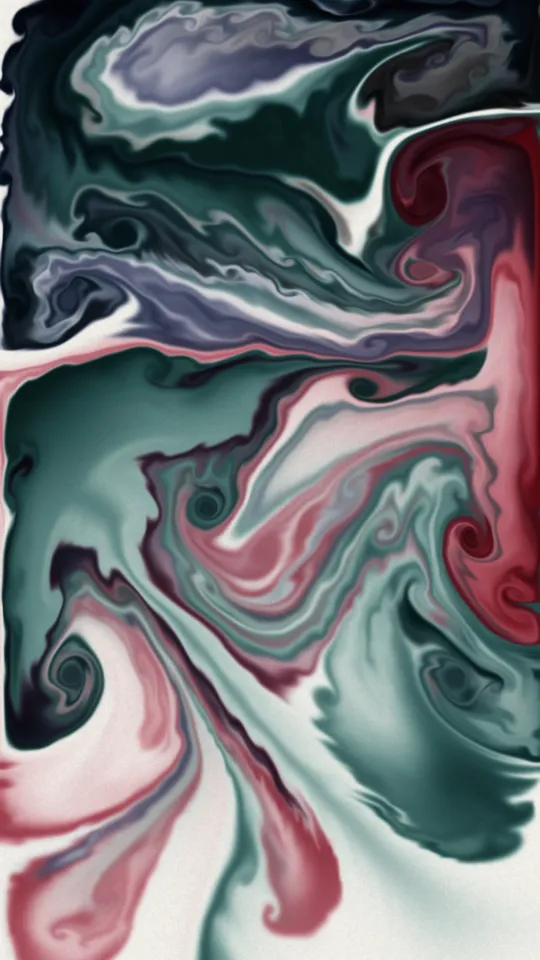
Tap Play in the app and it's just you and the fluid: no buttons, no bars. Swipe back to return to the menu. Try it here full screen.
Higher looks sharper but works the device harder.
Screens
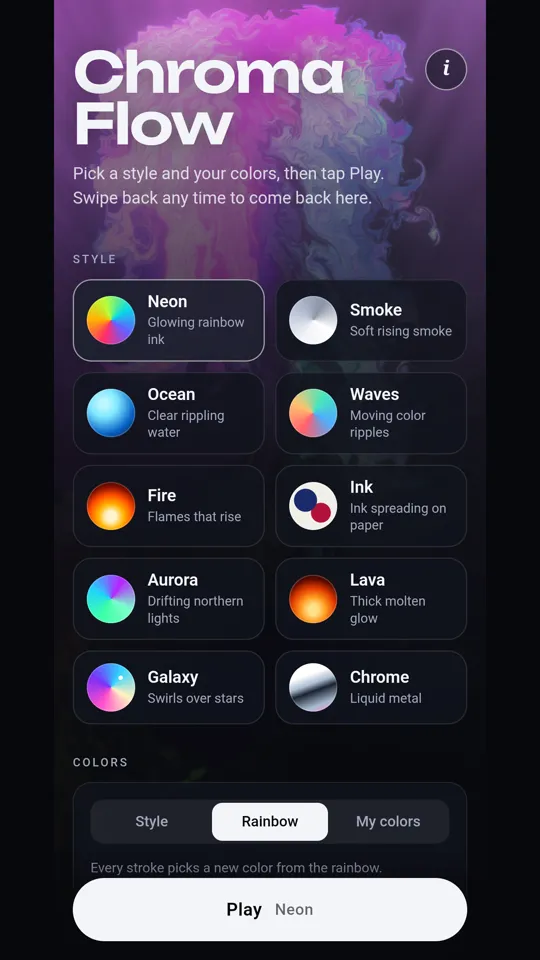
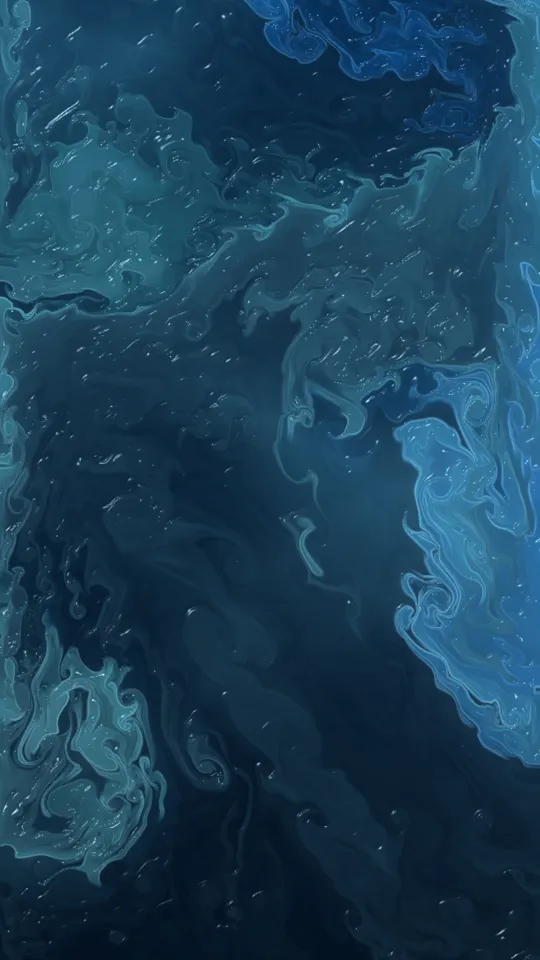
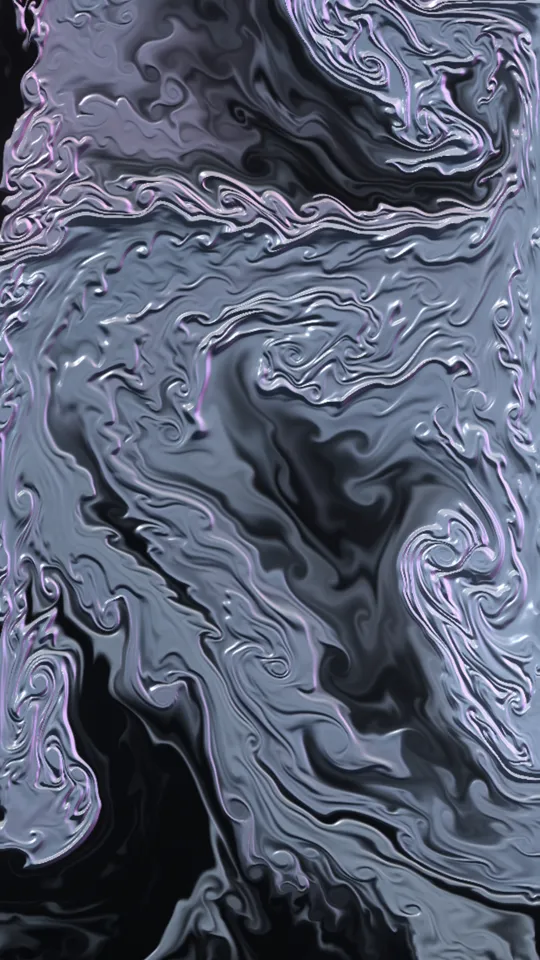
Choose a style and your colors on the home screen. Tap Play and the whole screen is yours.
Private by design
Chroma Flow asks for nothing and sends nothing.
No ads, no in-app purchases, no accounts. Free.
It doesn't ask for a single permission.
No internet access at all. Nothing ever leaves your phone.
Every line is on GitHub under the MIT licence.
How it works
Get Chroma Flow from the App Store (Google Play soon). It's free and needs no account.
Choose one of 10 styles and your colors, then fine-tune it if you like.
Drag your fingers across the screen. Swipe back any time for the menu.
Download
Chroma Flow is out now for iPhone and iPad. The Android app is in testing and comes to Google Play soon.
iOS 16 or later. Updates through the App Store.
Android 8.0 or later. Updates through Google Play.
Read it, learn from it, or build it yourself.
FAQ
Yes. No ads, no in-app purchases and no account.
Yes. Chroma Flow is free on the App Store for iPhone and iPad (iOS 16 or later).
Soon. It's in testing with a group of testers right now, and it goes public as soon as Google approves it.
No. Chroma Flow never connects to the internet, so it can't send anything anywhere. Your settings are saved only on your phone. Read the privacy policy.
iPhone and iPad with iOS 16 or newer, and Android 8.0 or newer. It uses your phone's graphics chip (WebGL 2), which almost every phone from the last few years has. If it ever stutters, pick a lower Quality on the home screen.
It's a real fluid simulation, so it works the graphics chip while you play. Low and Medium quality use much less power than High or Ultra, and the screen only stays awake while you're playing.
Yes. Choose My colors and pick four colors and a background. Each style also remembers its own brightness, glow, swirl and brush settings.
Yes, under the MIT licence. The code is on GitHub, and contributions are welcome.
Support
Chroma Flow is free. If it makes you smile, a coffee keeps it going.